About us Why us Book Online Counselling +91 9818845002
shape shape

ACC – Awareness in Computer Concepts

  • NIELIT ACC syllabus, 20 hours
  • 11 of 20 hours are hands-on practice
  • Word, internet, email & UPI basics
  • NIELIT exam guidance and model questions
A NIELIT computer course for complete beginners: use a computer, write documents, browse the internet, send emails and make digital payments.
Duration 20 Hours (9 Theory + 11 Practical)
Mode Classroom / Live Online
EMI Starts at ₹1,500/month
Language English / Hindi

About the ACC Course

Why ACC

ACC (Awareness in Computer Concepts) is the first-level computer course from NIELIT, the National Institute of Electronics & Information Technology under the Government of India. It is made for people who have never used a computer, or who use a phone but feel unsure on a laptop. In 20 hours you learn the everyday computer and digital skills needed at home, at work and for government services.

What you will do

You will switch a computer on and off correctly, connect a keyboard, mouse and printer, and manage files and folders. You will type, format, print and save a letter in a word processor, including saving it as a PDF. You will search the internet, open an email account and send emails with attachments. You will also learn how UPI, OTPs, QR codes, debit cards and net banking work, how to pay a bill online, and how to use services such as railway booking, passport and eHospital through the UMANG app.

How the classes run

More than half the course is practical. Every topic is done on a computer in class, and every chapter ends with NIELIT-style model questions. Trainers explain each step in simple English or Hindi, and you can ask them to repeat a step as often as you need.

Before you start

No computer knowledge is needed. You should be able to read simple English or Hindi. Bring your mobile phone to the digital payments and UMANG app classes.

Exam and certificate

After the course, you take the ACC exam conducted by NIELIT. NIELIT issues the certificate to candidates who pass. We register you for the exam and practise the exam pattern with you in class. The exam fee of ₹295 is separate from the course fee, and you pay it at our centre when we register you.

After ACC

After ACC, you can move on to BCC or CCC for deeper skills in MS Office, internet tools and digital work. If you plan to work in an office, CCC Plus and ECC cover more advanced computer skills.

In Class Room on Our Study Centres
Online Live Class with Innovative Content
Self E - Learning Through Our LMS
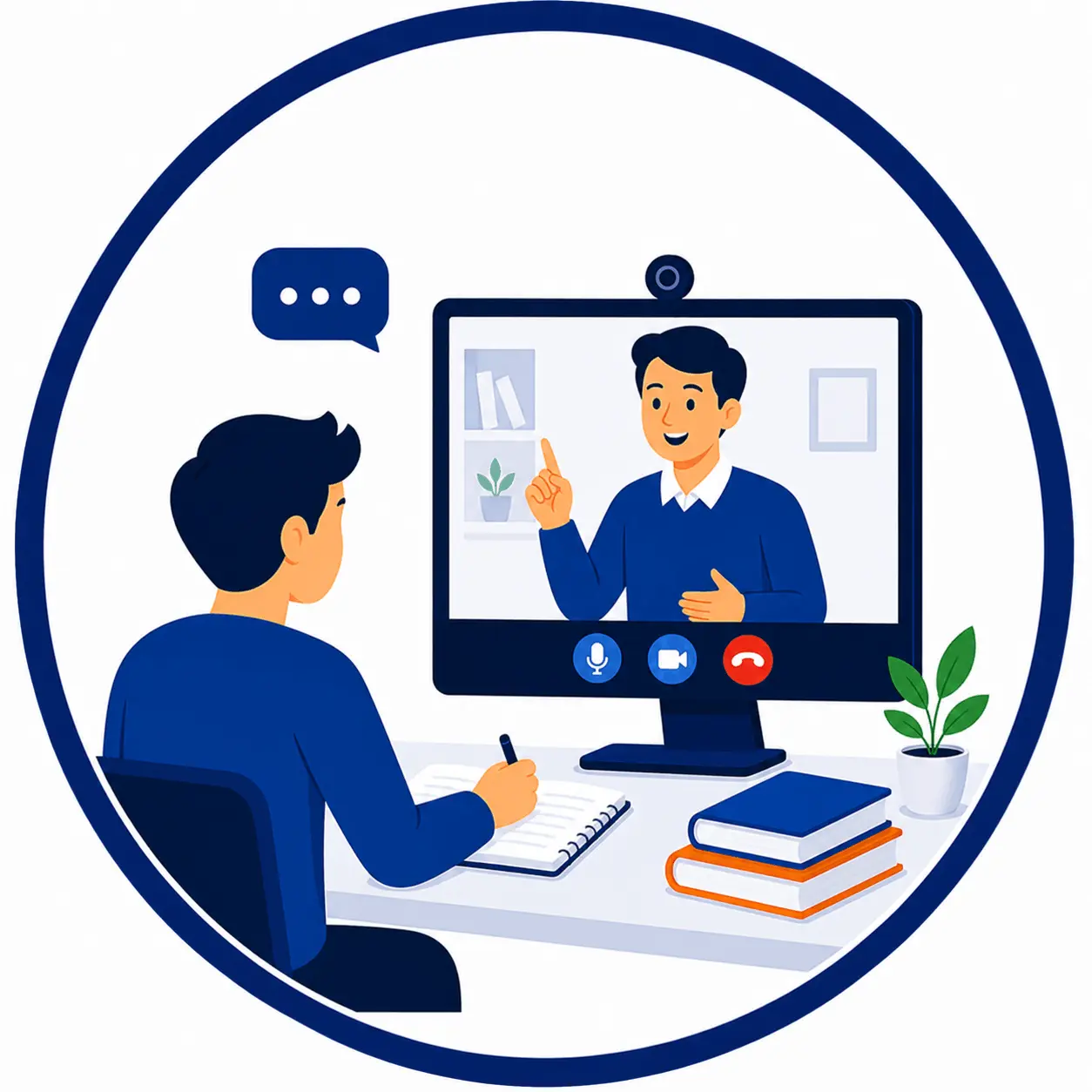
One to One Online Live Sessions

ACC Course Modules

  • Computers, mobiles and tablets, and what each is used for
  • Parts of a computer system and what the CPU does
  • Common input and output devices
  • USB ports and pen drives
  • Connecting the power cord, keyboard, mouse, monitor and printer to the CPU

Practice: Set up a computer from its separate parts and copy a file to a pen drive.

  • What an operating system is and how to use it
  • Mouse skills: click, double-click, right-click and click-and-drag
  • Keyboard skills: letters, Enter, Delete, Backspace, Shift, Tab and arrow keys
  • Starting and shutting down a computer correctly
  • Desktop and laptop screen: taskbar, icons, shortcuts and scroll bars
  • Running an application and using Help
  • Creating, renaming, moving and deleting files and folders, and common file extensions

Practice: Create a folder for your documents, sort files into it and make a desktop shortcut.

  • Opening a word processor: title bar, menu bar, toolbars and sidebar
  • Creating, opening, saving (Save and Save As) and closing documents
  • Selecting text, cut, copy and paste
  • Font, colour, style and size, alignment, and undo and redo
  • Spelling and grammar check, and shortcut keys
  • Page setup, print preview and printing
  • Saving a document as a PDF file

Practice: Type, format and print a leave application, then save it as a PDF.

  • What the internet and the World Wide Web are
  • Website addresses and URLs
  • Ways to connect: hotspot, Wi-Fi, LAN cable, broadband and USB tethering
  • Popular web browsers: Edge, Chrome and Firefox
  • Surfing the web and using search engines
  • Uses of the internet in daily life

Practice: Find the train timings between two cities and save the page as a bookmark.

  • Parts of an email
  • Opening an email account
  • Inbox and outbox
  • Writing, sending, replying to and forwarding emails
  • Opening attachments and deleting emails

Practice: Create an email account and send your PDF leave application as an attachment.

  • Digital financial tools: OTP and QR codes
  • UPI, AEPS, USSD, debit and credit cards, e-wallets and PoS machines
  • Internet banking: NEFT, RTGS and IMPS
  • Paying bills online safely
  • e-Governance services: railway reservation, passport and eHospital (ORS)
  • Using government services on mobile with the UMANG app

Practice: Scan a QR code, check a bill payment screen step by step, and find a service in the UMANG app.

6 modules · scroll inside the box to see all

Reserve your seat

Pay a small amount now to hold your seat. Pay the rest when you join.

  • Classroom in Delhi NCR or live online
  • A counsellor calls you to confirm

Takes about a minute

ACC Course Fee

ACC – Awareness in Computer Concepts

₹500 Initial Pay
  • Duration: 20 hours
  • Features:
    • Best for: Complete beginners, homemakers, senior citizens and shopkeepers
    • 20 hours (9 theory + 11 practical)
    • NIELIT ACC syllabus
    • Hands-on practice in every class
    • Model questions after every chapter
3 more benefits are shown after you unlock.

Jobs Where ACC Skills Help

Office Assistant

Front Desk Executive

Billing Assistant

Data Entry Assistant

Back Office Assistant

Customer Service Assistant

Retail / Shop Assistant

Digital Services Assistant (CSC / cyber café)

Who Should Join ACC

  • Complete beginners who have never used a computer
  • Homemakers and senior citizens who want to pay bills, book tickets and use government apps on their own
  • Students who want a basic computer certificate from NIELIT
  • Shopkeepers and small business owners who want to use UPI and online payments
  • Job seekers who need basic computer skills for office or front-desk work

ACC Course FAQs

ACC stands for Awareness in Computer Concepts. It is NIELIT's first-level computer course, covering computer basics, word processing, internet, email, digital payments and e-governance services in 20 hours. NIELIT conducts the exam and issues the certificate to candidates who pass.

Yes. ACC is made for complete beginners. The first class starts with switching on a computer and using the mouse and keyboard. Trainers explain every step in simple English or Hindi.

ACC is the shortest and most basic of the three, covering everyday computer and digital payment skills. BCC and CCC go further into MS Office tools, the internet and digital work, and are better if you plan to work in an office. Our counsellors can suggest the right course for your goal.
No. The course fee is ₹3,205. The NIELIT exam fee of ₹295 is extra, and you pay it at our centre when we register you for the exam. NIELIT sets both fees, so confirm them with our counsellor before you enroll.

You can use a computer, email and digital services on your own. To build job skills, you can move on to BCC or CCC, and then CCC Plus or ECC, or to our Advanced Excel and Tally Prime courses.

Independent reviews

Course Reviews

4.7 average rating

2,800+ student ratings on Google, Justdial & UrbanPro.

Student stories

What Our Students Say

Real words from learners who trained with F1 Macro Technologies.

5/5

I joined this data analyst coaching and it was really helpful. The teacher explained every concept in a simple and clear way. The classes covered Excel, SQL, Power BI, and Python with real examples. Doubt sessions were great, and I got personal help whenever needed. Best for beginners who want to start a career in data analysis

Sahil Panwar

Sahil Panwar

Data Analytics
5/5

F1 Macro is Referred By My Friend After That I Join the Classes for Data Analysis Course My Excel Class is Complete Good To Understand, Power BI Class is Running, Excellent To Understand the Classes Of Power BI from Rohit Sir, Advance Excel, SQL, VBA and Python By Krishna Sir All Doubt are Clear at Same time. Thanks

Ankur Pandey

Ankur Pandey

Data Analytics
5/5

Hello I'm Vivek Yadav...I have enrolled master of data analytics thanks for giving me the opportunity to be a part of F1 macro. I have learned a lot from here which I am gonna cherish all my life .. thank you so much teachers for your kind support.

Vivek Yadav

Vivek Yadav

Data Analytics - MDA
5/5

The institute has amazing and supportive faculty members. They provide with multiple assignments along with study material as well as resolve any queries related to the assignment. I highly recommend F1 Macro Technologies for anyone looking to build a strong foundation in data analysis.

Divya R Nair

Divya R Nair

Data Analytics
5/5

I have just completed my Data Analyst Training from F1 Macro Technology, Delhi. I enjoyed my training over there. The course was designed by experts and not only theory but hands on experience was good in class. Each and every concept was taught from the basics. They covered all the aspects which will help you in Future.

Tarun Gupta

Tarun Gupta

Data Analyst Training | Placed in MNC
5/5

I have done MCCA course from F1 Macro and I am lucky because I got a good and supportive teaching staff here. Now I got a job in India's biggest IT company Telus International - all thanks to the entire team of F1 Macro Technologies.

Ali Jawad Zaidi

MCCA + Data Skills | Placed at Telus International
5/5

Hi, I am Amit from Bangalore. I have attended Data Analytics basic tools like Excel, SQL, Python, Power BI from F1 Macro Technologies and I can proudly say one should go for their courses as the faculties and the study materials are really good.

Amit Prakash

Data Analytics (Excel, SQL, Python, Power BI)
5/5

My name is Mukesh Goyal from Jaipur. It's a wonderful platform for good learning. I really learnt from F1 Macro Technologies courses - SQL Server, Advance Excel, Power BI, VBA, Python. Overall good experience. Thanks to all staff and management for this opportunity to learn and earn.

Mukesh Goyal

Data Analytics + ML | Career Switcher from Jaipur
5/5
Google review

My name is Ankur Sharma, and I live in Gandhi Nagar, Delhi. I enrolled in the Data Analyst course at F1 Macro technologies Institute Laxmi Nagar, and my experience has been very positive. The institute provides highly knowledgeable and supportive teachers who explain concepts clearly and help students understand even complex topics with ease. They are always available to solve doubts and provide guidance whenever needed. One of the best things about the institute is the digital notes and study materials, which make learning more convenient and effective. The course content is well-structured and industry-oriented, helping students build practical skills in Data Analytics. I would highly recommend F1 Macro Institute to anyone looking to learn Data Analyst and improve their technical skills in a supportive learning environment.

Ankur Sharma

Data Analytics
5/5
Google review

I am Avinash Singh, currently pursuing the Data Analytics course at F1 Macro Technologies. The training is well-structured, and the instructors explain concepts clearly. The hands-on projects and practical approach have helped me improve my skills in Excel, SQL, Power BI, and Data Analytics. I highly recommend this institute to anyone looking to build a career in data analytics.

Avinash Singh

Data Analytics
11student reviews in total See all reviews

Our Students Hired in Corporates

  • Axis Bank
  • Samsung
  • Godrej
  • WNS logo
  • Infosys logo
  • Bosch logo
  • GE logo
  • Bank of America logo
  • YES Bank logo
  • Citibank logo
  • HCL logo
  • RBL Bank logo
  • Genpact logo
  • Bata logo
  • MetLife logo
  • CPA Global logo
  • Muthoot Finance logo
  • Google logo
  • Fidelity Investments logo
  • PwC logo
  • EXL logo
  • BT logo
  • Cisco logo
  • GSK logo
  • Bajaj Finserv logo
  • TVS logo
  • Accenture logo
  • Bajaj logo
  • P&G logo
  • IBM logo

We do not own these logos. Company names and logos belong to their owners. We show them only to mark where our students got jobs. F1 Macro Technologies is not a partner of these companies and is not endorsed by them.

Placement stories

Recent Hirings of Our Students

Learners from our placement records, now working in the roles they trained for.

Tarun Gupta Placed

Tarun Gupta

Data Analyst
  • Trained inMaster in Data Analytics
  • Now atBT Group, Gurugram
Paras Jain Placed

Paras Jain

Operations Executive
  • Trained inMaster in Data Analytics
  • Now atArush Switchgears LLP, Daryaganj
Mohit Bhallav Placed

Mohit Bhallav

Accountant
  • Trained inMIS
  • Now atShubham Enterprises, Delhi
Shikha Tripathi Placed

Shikha Tripathi

Web Developer
  • Trained inWeb Development + Java
  • Now atNXlogy Pvt Ltd, Noida

Placement assistance helps you prepare and apply; it is not a job guarantee.

Your Path to a Global Career Starts Here

See how F1 Macro Technologies is bridging the gap between education and employment. Explore where our students are working today.

Excited?

Talk to Expert Counselor

to understand your profile and plan the next career move!

Call us+91 98188 45002

or Request a Call back

This confirms you are a person. If you cannot answer it, please call us and we will take your details.

WhatsApp