About us Why us Book Online Counselling +91 9818845002

Computer Training Institute in Laxmi Nagar

F1 Macro Technologies is a hands-on computer training institute in Laxmi Nagar, Delhi - offering basic to expert computer, MS Office, Tally and accounting courses beside Laxmi Nagar Metro Station.

  • Multiple job-ready courses under one roof
  • Hands-on, practical training in small batches
  • Weekday & weekend batches
  • Industry certification & placement support

Looking for a reliable computer training institute in Laxmi Nagar? F1 Macro Technologies runs a dedicated computer training centre in Laxmi Nagar, Delhi, offering hands-on courses from basic computer skills to expert-level office, accounting and IT programs. Our Laxmi Nagar centre is at U-70, Second Floor, right beside Laxmi Nagar Metro Station Gate No. 2 in Shakarpur, making it easy to reach from across East Delhi.

Why train at our Laxmi Nagar computer centre

Laxmi Nagar is one of East Delhi's busiest education and commercial hubs, and employers here expect job-ready computer skills - from MS Office and typing to Tally, GST and data tools. At our Laxmi Nagar institute you learn on real practice files in small batches, guided by trainers who understand the local job market. Because the centre is next to the metro, students from Shakarpur, Nirman Vihar, Preet Vihar, Vinod Nagar and nearby areas can attend without long travel.

Computer courses offered in Laxmi Nagar

Our Laxmi Nagar centre offers a complete learning path, so you can start at any level:

Batches and timings

We run weekday morning and evening batches for students and working professionals, plus weekend batches for those who cannot attend on weekdays. Batch sizes are kept small so every learner gets individual attention and doubt-clearing time. New batches start regularly - contact the Laxmi Nagar centre for the current schedule and to reserve a seat.

How to reach our Laxmi Nagar centre

Our address is U-70, Second Floor, Near Laxmi Nagar Metro Station Gate No. 2, Shakarpur, Delhi. The centre is a short walk from the metro station, with easy access from Vikas Marg and the surrounding Laxmi Nagar market. Nearby localities we serve include Shakarpur, Preet Vihar, Nirman Vihar, Vinod Nagar and Mayur Vihar.

Who these courses suit

Our computer courses in Laxmi Nagar suit school and college students, job seekers, home-makers returning to work, shopkeepers and small business owners, and professionals who want to upgrade their office, accounting or data skills. Every course focuses on practical, day-to-day tasks you can use at work.

Ready to start? Visit our Laxmi Nagar centre or call +91 8851219026 to book a free counselling session and choose the right computer course for your goals.
About Certification Program on Data Analytics

The Master Certification Program – Data Analyst by F1 Macro Technologies equips you with advanced skills in data analytics, covering the full lifecycle from data collection to insights. 
This program offers hands-on training and real-world projects to learn data analysis and visualization.

Sales, finance, operations and e-commerce teams all need people who can turn raw data into clear reports. The course suits beginners and working staff. You learn in live classes with a trainer, work on real data projects and get placement assistance when you apply for analyst jobs.

Data Analytics uses BI and data management to collect and analyze historical and present data, applying statistics and software to deliver insights for better business decisions. This course covers the full data analytics lifecycle—from problem definition to solution deployment—using industry-specific case studies. Learn analytics, data visualization, and data science methodologies to drive impactful outcomes.

Data Analytics Course Modules in Laxmi Nagar

Learn Advanced Excel with 24+ sub-modules, from dynamic formulas to interactive dashboards. Practise data analysis, charts and automation for office work.
• Learn Advanced Formulas: Learn SUMIFS, SUMPRODUCT, INDEX, MATCH, VLOOKUP, and dynamic formula creation for complex data analysis. 
• Data Management & Validation: Explore data types, Date/Time functions, logical functions (IF, AND, OR), and advanced validation techniques. 
• Dynamic Reporting Tools: Use Pivot Tables, Pivot Charts, Name Manager, Offset, and Indirect for efficient, dynamic templates and reports. 
• Visualization & Interactivity: Create interactive graphs (Column, Pie, Line, Bar) and use Form Controls (Combo Box, List Box, Buttons). 
• Efficiency Techniques: Understand array functions, absolute/mixed references, and tools like Freeze Pane, Text to Column, and Camera Tool. 
• Data Analysis & Insights: Perform percentage/growth analysis, use database functions (DSum, Dmax), and analyze terms like MTD, YTD, QTD. 
• Productivity Boosters: Leverage Quick Access Toolbar, sheet/workbook protection, filters, sorting, and hyperlinking for user manuals. 
• Corporate Applications: Gain skills in Excel hierarchy (Workbook, Worksheet, Cells), operators, and automation for corporate data tasks.

Project: Building a Dynamic Sales Dashboard 
• Learn to create a dynamic dashboard on sales data using Offset, Name Manager, Form Controls, Graphs, Tables, and key Excel functions. This Management Information System (MIS) empowers users with a high-level business overview, enabling swift, informed decision-making for efficient and effective organizational management.

Transform data into insights with Power BI’s 9+ sub-modules and interactive dashboards. Learn visualizations, DAX, and live projects to drive business decisions with confidence!

• Introduction to Power BI: Understand Power BI’s workflow, benefits, and components, including Power BI Desktop, Services, and Mobile Apps, with installation and setup. 

• Data Connection & Transformation: Learn data connectors, Query Editor, and tools for shaping data (text, numbers, dates) for analysis-ready formats. 

• Data Modeling & Relationships: Learn data modeling, normalization, Star/Snowflake schemas, and manage relationships (Primary/Foreign Keys, Cardinality, Active/Inactive). 

• DAX for Analysis: Use Data Analysis Expressions (DAX) to create calculated columns, measures, and apply aggregation, logical, and date functions. 

• Interactive Visualizations: Build and customize visuals, dashboards, and reports with drill-downs, marketplace visuals (Word Cloud, Shape Map), and Row-Level Security. 

• Data Exploration & Insights: Leverage Power BI Service for quick insights, natural language queries, and full-screen dashboards for organizational sharing. 

• Publishing & Collaboration: Publish reports, manage content packs, schedule data refreshes, and share via Power BI Workspace with usage metrics and subscriptions. 

Real-World Applications: Apply skills in 3-4 live projects on Sales, HR, and Financial Data, creating actionable business insights.


Learn SQL Server through 20+ sub-modules for data analysis.
Query, manage, and analyze databases with live projects for real-world impact!
• Database Fundamentals: Explore DBMS concepts, relational databases, ER/EER diagrams, normalization (1st, 2nd, 3rd forms), and functional dependencies. 
• SQL Server Basics: Learn SQL’s role in data analysis, RDMS (Oracle, Microsoft SQL Server), and core commands (Select, Insert, Update, Delete, Create, Drop). 
• Query Training: Learn DML (Select, Update, Delete, Insert) and DDL (Create, Alter, Drop) queries, including constraints (Primary Key, Foreign Key, Not Null). 
• Advanced Query Techniques: Use SQL Server queries (Distinct, Where, Order By, Like, In, Between), joins (Inner, Left, Right, Full), and Union/Union All. 
• Functions & Automation: Apply SQL functions (Avg, Count, Max, Min, Sum, Group By), user-defined functions, stored procedures, triggers, and cursors. 
• Data Control & Recovery: Implement DCL (Grant, Revoke), Rollback commands, and advanced techniques like subqueries, nested queries, and complex joins. 
• Database Design & Mapping: Create database diagrams, analyze mappings, and ensure data integrity with best practices for efficient management. 

Practical Applications: Build skills with 3-5 live projects on real-world data, solving industry-relevant challenges in data analysis

Unlock Python’s power for data analytics with 20+ sub-modules and real-world projects! Transform data into insights using NumPy, Pandas, and Matplotlib with ease!

• Python Fundamentals: Learn Python basics, installation, syntax, indentation, and its history as a versatile programming language.

• Core Programming Concepts: Learn objects, numbers, sequences (Strings, Lists, Tuples), dictionaries, sets, and numerical operations.

• Control Structures & Logic: Understand if-else conditions, for/foreach/while loops, and error/exception handling.

• Data Handling & I/O: Explore file operations, input/output, and working with 1D/2D/multi-dimensional data structures.

• Functions & OOP: Create functions (parametric/non-parametric), classes, inheritance, constructors, and use modules effectively.

• Data Analytics Libraries: Leverage NumPy, Pandas, Matplotlib, and Pyplotlib for data manipulation and visualization.

• Practical Applications: Apply Python in 3-5 analytics projects, solving real-world data challenges.

Why Python? - Benefit from Python’s readability, "batteries included" library, and support for multiple programming paradigms


Top Offers on this Course

Certification in MIS & Reporting

₹500 Initial Pay
  • Duration: 40 hours
  • Features:
    • Best for: learners who want a short, job-focused course
    • Modules:  Advanced Excel + VBA Macros + Basic SQL
    • Fast-tracked learning focused
    • Hands-on training for Reporting Tasks
    • Course Completion Certificate

Certification in Data Analytics - CDA

₹500 Initial Pay
  • Duration: 60 hours
  • Features:
    • Absolute Data Beginners
    • Modules: Advanced Excel + Power BI + SQL
    • Hands-On Mini-Projects & Assignments
    • Industry-Aligned Foundational Curriculum
    • 6-Month Live Trainer Support
3 more benefits are shown after you unlock.

Master Certification in Data Analytics - MDA

₹500 Initial Pay
  • Duration: 120 hours
  • Features:
    • Best for: Job seekers who want Excel, Power BI, SQL and Python in one course
    • Modules: Advanced Excel +Power BI + SQL + Python 
    • Add-on: Google Sheets + Introduction to Machine Learning
    • 15+ Industry-Grade Live Projects
    • ❇️Green Card - For 3 Years
3 more benefits are shown after you unlock.

MDA with AI Enabled Skills

₹500 Initial Pay
  • Duration: 150 hours
  • Features:
    • Full MDA Course 
    • VBA with AI
    • AI Specialization in all Modules
    • 90 Hours structured internship
    • Add On: Applied Machine Learning + Prompt Engineering + Gemini + Copilot
7 more benefits are shown after you unlock.
EMI
  • No Cost EMI available
  • EMI through Bajaj Finance
  • Pay your course fee month by month
  • Ask your counsellor for the EMI plan that suits you

EMI and No Cost EMI are offered by Bajaj Finance and Payment Gateway Partners. They depend on Bajaj Finance approval, admin approvals, documents and terms.

What you'll learn

★
Build full analytics projects with AI tools
★
Placement Assistance + Dual Certification
★
Priority job referrals
★
Green Card for Re-learn Access

Who can join in Laxmi Nagar

  • • Person from any fields can opt and specially for those who want to work in MNC’s, Big Corporates, etc.
  • • 12th pass students who want to start data analytics training early.
  • • Person who wants to explore World Wide Job Opportunities
  • • Students pursuing Graduation/ Post Graduation Course should do parallel training in Data Analytics for wider job opportunities.

Frequently Asked Questions

We are at U-70, Second Floor, near Laxmi Nagar Metro Station Gate No. 2, Shakarpur, Delhi.

Yes, we run weekend and weekday batches. Contact the Laxmi Nagar centre for the current timings.

Beginners usually start with ACC or the Basic Computer Course and move up to CCC or the Expert Computer Course.

The Master program is a deep-dive, up to 150-hour comprehensive track. While the standard course focuses on Excel, Power BI, and SQL, the Master Certification adds Python, Machine Learning, and a mandatory 90-hour Internship. This ensures you aren't just learning tools, but also gaining real-world experience and dual certification (Course Completion + Internship Experience Letter)

At F1 Macro Technologies, we don't just teach; we bridge the gap to employment. After completing your modules, you will work on live industry projects for 90 hours. We provide in-house placement drives, mock technical interviews, and referrals through our alumni network. You also get a dedicated trainer to help you navigate technical interviews.

Packages with a Green Card (MDA and MDA with AI Enabled Skills) let you re-attend any module for 3 years from enrolment, with no extra course fee. Trainers and our student discussion groups also help with your doubts.

The Master Certification gives hands-on training in the "Big 5" tools:

  • Microsoft Excel: For advanced data crunching and dynamic dashboarding.

  • Power BI: For high-level business intelligence and visualization.

  • SQL Server: For managing and retrieving complex relational databases.

  • Python: For automating tasks and performing advanced data science.

  • Machine Learning, Prompt Engineering, etc.

A Green Card is a special learning benefit offered by F1 Macro Technologies for selected courses. It allows students to revisit and relearn the course multiple times without paying the course fee again during the validity period.

Key Benefits of the Green Card:

✅ Available only for specific courses where the Green Card facility is explicitly mentioned.

✅ Students can attend the same course again and refresh their knowledge as many times as they wish during the validity period.

✅ Helps students stay updated with industry changes, software updates, and revised regulations.

✅ Ideal for students who want continuous learning and skill enhancement.

Validity:

  • The Green Card is valid for the period specifically mentioned for the respective course.
  • The Green Card benefit becomes active only after the student completes the required course booking formalities.
Independent reviews

Rated by our students

4.7 average rating

2,800+ student ratings on Google, Justdial & UrbanPro.

Student stories

What Our Students Say

Real words from learners who trained with F1 Macro Technologies.

5/5

I joined this data analyst coaching and it was really helpful. The teacher explained every concept in a simple and clear way. The classes covered Excel, SQL, Power BI, and Python with real examples. Doubt sessions were great, and I got personal help whenever needed. Best for beginners who want to start a career in data analysis

Sahil Panwar

Sahil Panwar

Data Analytics
5/5

F1 Macro is Referred By My Friend After That I Join the Classes for Data Analysis Course My Excel Class is Complete Good To Understand, Power BI Class is Running, Excellent To Understand the Classes Of Power BI from Rohit Sir, Advance Excel, SQL, VBA and Python By Krishna Sir All Doubt are Clear at Same time. Thanks

Ankur Pandey

Ankur Pandey

Data Analytics
5/5

Hello I'm Vivek Yadav...I have enrolled master of data analytics thanks for giving me the opportunity to be a part of F1 macro. I have learned a lot from here which I am gonna cherish all my life .. thank you so much teachers for your kind support.

Vivek Yadav

Vivek Yadav

Data Analytics - MDA
5/5

The institute has amazing and supportive faculty members. They provide with multiple assignments along with study material as well as resolve any queries related to the assignment. I highly recommend F1 Macro Technologies for anyone looking to build a strong foundation in data analysis.

Divya R Nair

Divya R Nair

Data Analytics
5/5

I have just completed my Data Analyst Training from F1 Macro Technology, Delhi. I enjoyed my training over there. The course was designed by experts and not only theory but hands on experience was good in class. Each and every concept was taught from the basics. They covered all the aspects which will help you in Future.

Tarun Gupta

Tarun Gupta

Data Analyst Training | Placed in MNC
5/5

I have done MCCA course from F1 Macro and I am lucky because I got a good and supportive teaching staff here. Now I got a job in India's biggest IT company Telus International - all thanks to the entire team of F1 Macro Technologies.

Ali Jawad Zaidi

MCCA + Data Skills | Placed at Telus International
5/5

Hi, I am Amit from Bangalore. I have attended Data Analytics basic tools like Excel, SQL, Python, Power BI from F1 Macro Technologies and I can proudly say one should go for their courses as the faculties and the study materials are really good.

Amit Prakash

Data Analytics (Excel, SQL, Python, Power BI)
5/5

My name is Mukesh Goyal from Jaipur. It's a wonderful platform for good learning. I really learnt from F1 Macro Technologies courses - SQL Server, Advance Excel, Power BI, VBA, Python. Overall good experience. Thanks to all staff and management for this opportunity to learn and earn.

Mukesh Goyal

Data Analytics + ML | Career Switcher from Jaipur
5/5
Google review

My name is Ankur Sharma, and I live in Gandhi Nagar, Delhi. I enrolled in the Data Analyst course at F1 Macro technologies Institute Laxmi Nagar, and my experience has been very positive. The institute provides highly knowledgeable and supportive teachers who explain concepts clearly and help students understand even complex topics with ease. They are always available to solve doubts and provide guidance whenever needed. One of the best things about the institute is the digital notes and study materials, which make learning more convenient and effective. The course content is well-structured and industry-oriented, helping students build practical skills in Data Analytics. I would highly recommend F1 Macro Institute to anyone looking to learn Data Analyst and improve their technical skills in a supportive learning environment.

Ankur Sharma

Data Analytics
5/5
Google review

I am Avinash Singh, currently pursuing the Data Analytics course at F1 Macro Technologies. The training is well-structured, and the instructors explain concepts clearly. The hands-on projects and practical approach have helped me improve my skills in Excel, SQL, Power BI, and Data Analytics. I highly recommend this institute to anyone looking to build a career in data analytics.

Avinash Singh

Data Analytics
11student reviews in total See all reviews
Placement stories

Recent Hirings of Our Students

Learners from our placement records, now working in the roles they trained for.

Tarun Gupta Placed

Tarun Gupta

Data Analyst
  • Trained inMaster in Data Analytics
  • Now atBT Group, Gurugram
Paras Jain Placed

Paras Jain

Operations Executive
  • Trained inMaster in Data Analytics
  • Now atArush Switchgears LLP, Daryaganj
Mohit Bhallav Placed

Mohit Bhallav

Accountant
  • Trained inMIS
  • Now atShubham Enterprises, Delhi
Shikha Tripathi Placed

Shikha Tripathi

Web Developer
  • Trained inWeb Development + Java
  • Now atNXlogy Pvt Ltd, Noida

Placement assistance helps you prepare and apply; it is not a job guarantee.

Our Students Articles & Projects

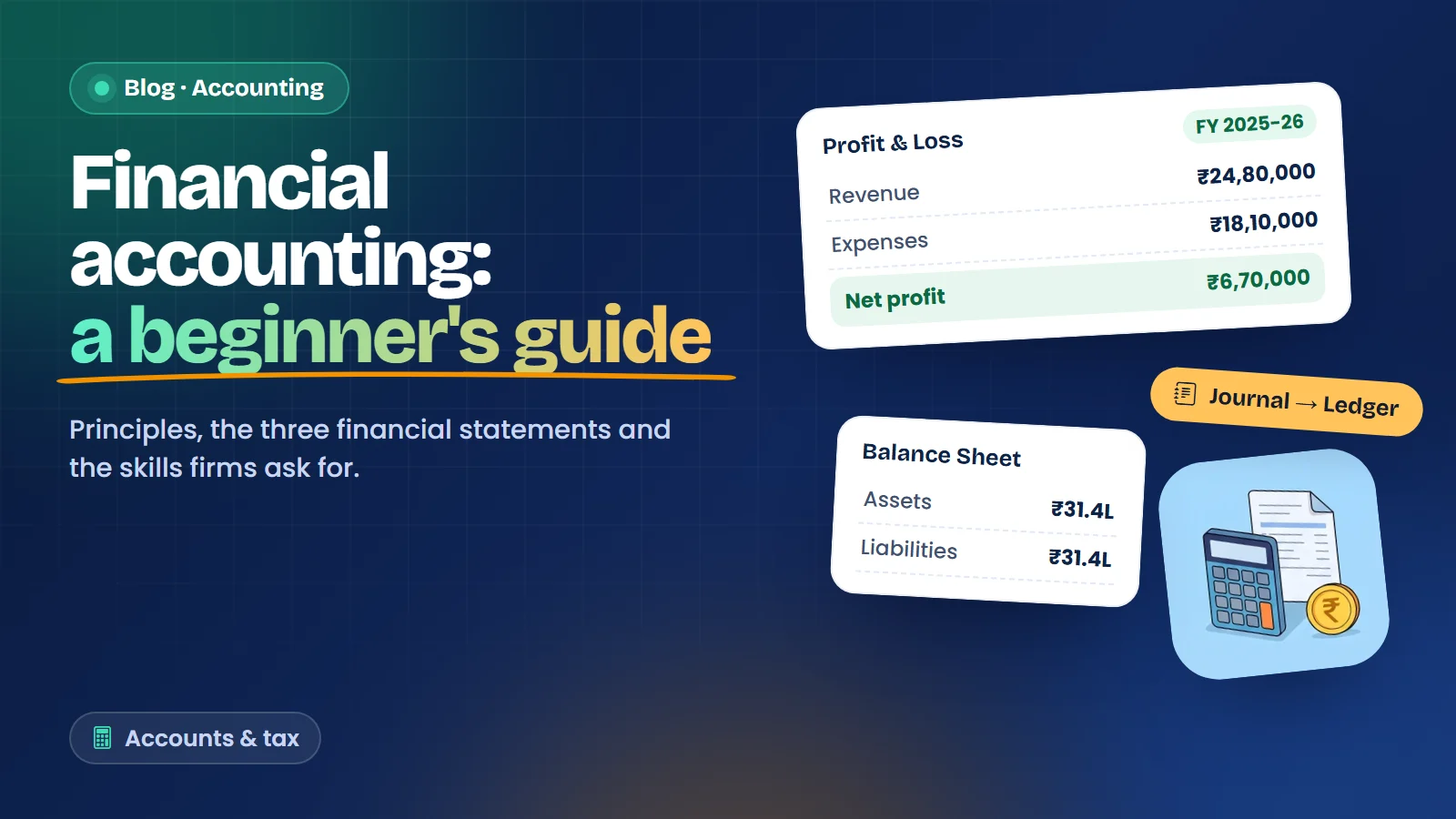
Financial Accounting: A Beginner-to-Job-Ready Guide

09 Sep 2026

Financial Accounting: A Beginner-to-Job-Ready Guide

Financial accounting is the backbone of every business decision. It is the discipline of r...

View Details
Web Design: The First Impression of Every Business

11 Dec 2025

Web Design: The First Impression of Every Business

Before a customer calls you or visits your shop, they often look you up online. In a few s...

View Details
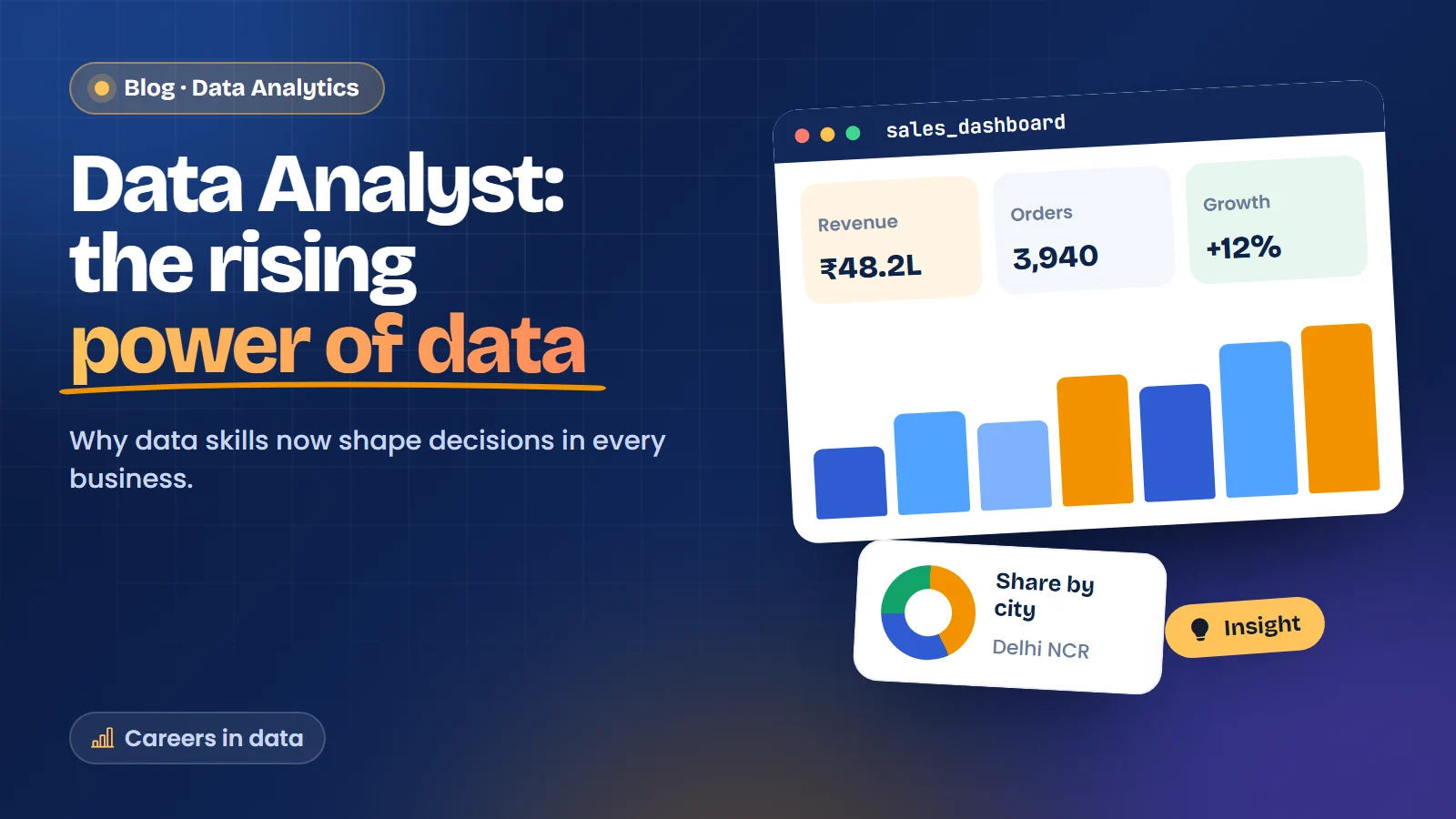
Data Analyst: The Rising Power of Data

10 Dec 2025

Data Analyst: The Rising Power of Data

Every sale, delivery, refund and click leaves a record. A shop owner in Laxmi Nagar has a...

View Details
Excited?

Talk to Expert Counselor

to understand your profile and plan the next career move!

Call us+91 98188 45002

or Request a Call back

This confirms you are a person. If you cannot answer it, please call us and we will take your details.
WhatsApp