About us Why us Book Online Counselling +91 9818845002

Accounting Courses in India

F1 Macro Technologies offers practical, job-ready accounting and tax courses across India - covering Tally, GST, Income Tax, Advanced Excel and financial accounting, available online and at our classroom centres.

  • Multiple job-ready courses under one roof
  • Hands-on, practical training in small batches
  • Weekday & weekend batches
  • Industry certification & placement support

Looking for a practical accounting course that makes you job-ready? F1 Macro Technologies offers hands-on accounting and taxation training designed around what employers and clients actually need - real ledgers, GST returns, income tax filings and Tally, not just theory. Courses are available online across India and in classrooms at our Delhi, Gurgaon and Ghaziabad centres.

What you learn in our accounting courses

Our accounting programs build skills step by step, from the fundamentals to advanced practice:

  • Financial accounting - golden rules, journals, ledgers and the three financial statements
  • Tally Prime - company setup, inventory, GST accounting and reports
  • GST - registration, returns and e-filing
  • Income Tax and TDS - practical ITR and TDS filing
  • Advanced Excel and Power BI for accounting and MIS
  • Business registrations, compliances and payroll

Courses and career paths

Our flagship Certified Enterprise Accountant (CEA) program has tiers for beginners through to tax consultants and MNC-ready professionals. Graduates move into roles such as accounts executive, GST practitioner, tax assistant, MIS analyst and independent tax consultant. See the full curriculum, fees and certification on the Certified Enterprise Accountant course page.

Who these courses suit

Our accounting courses suit commerce students, graduates, job seekers, small business owners and working professionals who want a recognised, practical skill set. No prior accounting background is required for the entry-level courses.

Learning modes

Learn the way that fits you - live online classes, in-classroom training at our centres, or a blend of both. Weekday and weekend batches are available, with trainers who work through real client-style data.

Ready to begin? Book a free counselling session and our team will help you choose the right accounting course for your goals.
About CEA Program

Why E-Accounting & Tax:
Since GST came in, every registered business has regular returns to file, so trained accounts and tax staff stay in demand. From large MNCs and CA firms to growing startups and SMEs — every business needs skilled professionals who can manage their accounts, file GST returns, handle income tax compliance, and analyze financial data. F1 Macro Technologies' Certified Enterprise Accountant (CEA) program is designed to make you industry-ready in this high-demand field within months, not years.

 What You'll Learn:
 Our CEA program goes far beyond basic bookkeeping. You'll gain deep expertise in MS Office, Tally Prime (Accounting + Inventory + Payroll), Basic & Advance GST, GST Returns E-Filing, ITR + TDS Filing, Advanced Excel, Power BI, and Company E-Filings & Compliances. The course also includes Advance Business Registrations & Licensing — covering MSME, Startup India, FSSAI, Shop & Establishment Act, and GEM Services — so you can handle the common registrations and filings small businesses ask for.

Career Growth:
 CEA students apply for roles such as Accounts Executive, GST Accountant, Tax Assistant and MIS Executive at companies and CA firms. Pay depends on the employer, the city and your experience. Some learners later start their own accounts and tax practice.

Why F1 Macro Technologies:
 With 17+ years in training, 6,000+ students trained and 4,000+ students placed, F1 Macro Technologies teaches practical work, not just theory. You practise on Tally Prime, Excel and Power BI, and see every GST and income tax filing step on the portals, using practice client files. The CEA-Pro track adds a 3-month internship with practising CAs/CSs.

CEA Course Modules

Learn MS Word, Excel basics, and PowerPoint for professional documentation, business reports, and corporate presentations. Build a strong foundation in the tools every accountant uses daily.

Key Topics Covered:

•        Computer fundamentals, Word document formatting, Mail Merge, Tables & Templates

•        Excel basics, formulas, formatting, charts & data handling

•        PowerPoint slides, SmartArt, transitions, and corporate presentations

•        Macros in Word for automation

🎯 Project: Create a complete corporate letterhead, business letter template, and investor presentation deck.

Learn Advanced Excel with 24+ sub-modules, from dynamic formulas to interactive dashboards. Practise data analysis, charts and automation for office work.
• Learn Advanced Formulas: Learn SUMIFS, SUMPRODUCT, INDEX, MATCH, VLOOKUP, and dynamic formula creation for complex data analysis. 
• Data Management & Validation: Explore data types, Date/Time functions, logical functions (IF, AND, OR), and advanced validation techniques. 
• Dynamic Reporting Tools: Use Pivot Tables, Pivot Charts, Name Manager, Offset, and Indirect for efficient, dynamic templates and reports. 
• Visualization & Interactivity: Create interactive graphs (Column, Pie, Line, Bar) and use Form Controls (Combo Box, List Box, Buttons). 
• Efficiency Techniques: Understand array functions, absolute/mixed references, and tools like Freeze Pane, Text to Column, and Camera Tool. 
• Data Analysis & Insights: Perform percentage/growth analysis, use database functions (DSum, Dmax), and analyze terms like MTD, YTD, QTD. 
• Productivity Boosters: Leverage Quick Access Toolbar, sheet/workbook protection, filters, sorting, and hyperlinking for user manuals. 
• Corporate Applications: Gain skills in Excel hierarchy (Workbook, Worksheet, Cells), operators, and automation for corporate data tasks.

Project: Building a Dynamic Sales Dashboard 
• Learn to create a dynamic dashboard on sales data using Offset, Name Manager, Form Controls, Graphs, Tables, and key Excel functions. This Management Information System (MIS) empowers users with a high-level business overview, enabling swift, informed decision-making for efficient and effective organizational management.

Become a confident Tally Prime user — the accounting software you will find in many Indian offices. Cover everything from company creation to advanced inventory management and payroll processing.

Key Topics Covered:

•        Company creation, Ledger & Group setup, Voucher entries (Sales, Purchase, Payment, Receipt, Contra)

•        Inventory management — Stock items, Godowns, BOM, Multi-currency, Manufacturing Journal

•        Purchase Orders, Sales Orders, Delivery Notes, Credit/Debit Notes

•        Payroll processing — Pay Heads, Salary, PF/ESI/Gratuity, Statutory Reports

•        Reports: Balance Sheet, P&L, Trial Balance, Stock Summary, Day Book

🎯 Project: Set up a full company in Tally and process 1 month of real business transactions including sales, purchase, inventory, and payroll.

1. GST Fundamentals
Learn important GST concepts, taxation structure, and business classifications.
Understand the foundation of India’s indirect tax system in a practical way.

2. GST Rates & Schemes
Study GST rates, composition schemes, and their impact on businesses.
Gain clarity on how GST affects pricing and compliance.

3. GST in Tally Prime
Implement GST practically using Tally Prime.
Learn account setup and GST configuration for businesses.

4. Ledger Creation & Entries
Create GST ledgers and record accounting transactions accurately.
Understand entry management for daily business operations.

5. Advanced GST Transactions
Work on GST transactions under common and multiple ledger systems.
Analyze GST reports and business-specific accounting entries.

6. Reverse Charge Mechanism (RCM)
Learn RCM concepts, entries, and tax liability adjustments.
Understand practical accounting treatment under GST rules.

7. Advance Receipts & Payments
Record advance receipts and payments under GST provisions.
Manage taxation and adjustments related to advances.

8. GST Adjustment Entries
Pass journal and adjustment entries related to GST liabilities.
Learn practical correction and reconciliation processes.

Become skilled in GST work — learn GST registration, return filing and ITC reconciliation step by step on the GST portal.

Key Topics Covered:

•        Live GST registration & GSTN obtaining

•        Filing GSTR-1 (Outward), GSTR-3B (Monthly), GSTR-9 (Annual), GSTR-4 (Composition)

•        Input Tax Credit (ITC) — claim, reversal, reconciliation

•        DSC setup, Interest & late fee calculations, Payment of tax

•        Input Service Distributor (ISD) returns

🎯 Project: Prepare GST returns for a practice business, from sales and purchase data to the final return.

Learn Indian Income Tax — from PAN application to filing all 7 ITR forms. Practise handling tax filings for individuals, businesses, and companies.

Key Topics Covered:

•        PAN application & e-filing portal registration

•        All 7 ITR forms — ITR-1 to ITR-7 (Salaried, HUF, Business, Companies, Trusts)

•        Profit & Loss and Balance Sheet finalization for ITR

•        TDS return filing, ratios calculation for loan ITRs

•        Communication & client handling for tax filings

🎯 Project: Prepare ITRs and TDS returns from practice client files, covering all 7 ITR types

Transform data into insights with Power BI’s 9+ sub-modules and interactive dashboards. Learn visualizations, DAX, and live projects to drive business decisions with confidence!

• Introduction to Power BI: Understand Power BI’s workflow, benefits, and components, including Power BI Desktop, Services, and Mobile Apps, with installation and setup. 

• Data Connection & Transformation: Learn data connectors, Query Editor, and tools for shaping data (text, numbers, dates) for analysis-ready formats. 

• Data Modeling & Relationships: Learn data modeling, normalization, Star/Snowflake schemas, and manage relationships (Primary/Foreign Keys, Cardinality, Active/Inactive). 

• DAX for Analysis: Use Data Analysis Expressions (DAX) to create calculated columns, measures, and apply aggregation, logical, and date functions. 

• Interactive Visualizations: Build and customize visuals, dashboards, and reports with drill-downs, marketplace visuals (Word Cloud, Shape Map), and Row-Level Security. 

• Data Exploration & Insights: Leverage Power BI Service for quick insights, natural language queries, and full-screen dashboards for organizational sharing. 

• Publishing & Collaboration: Publish reports, manage content packs, schedule data refreshes, and share via Power BI Workspace with usage metrics and subscriptions. 

Real-World Applications: Apply skills in 3-4 live projects on Sales, HR, and Financial Data, creating actionable business insights

Learn the complete process of company incorporation, ROC filings, DSC setup, and ongoing compliance — making you an end-to-end corporate consultant.

Key Topics Covered:

•        Company incorporation — types, documents, MCA portal e-filing

•        DIN, CIN, DSC application & e-filing of ROC returns

•        Drafting resolutions, minutes, notices, fee challans

•        Director & shareholder appointment process

•        Post-incorporation licenses based on industry

🎯 Project: 3–4 live client projects on company registration and compliance filings.

Become the go-to consultant for new businesses. Learn all major government registrations and licenses Indian businesses need to operate legally.

Key Topics Covered:

•        MSME / Udyam Registration — eligibility, documentation, government benefits

•        Startup India Registration — DPIIT recognition, tax holidays, IPR fast-tracking

•        FSSAI License (Food Business) — Basic, State, Central licensing

•        Shop & Establishment Act registration

•        GEM (Government e-Marketplace) vendor registration

•        On-demand: IEC (Import-Export Code), Professional Tax, etc.

🎯 Project: Case studies — registration journey of a café, a tech startup, and an MSME (5+ scenarios).

The differentiator of our CEA-Pro program — gain real-world experience by working alongside practicing Chartered Accountants, Company Secretaries, and Tax Consultants.

What You'll Do:

•        Practical consulting overview — start-up to advisory

•        Direct client handling and one-to-one communication

•        File real ITRs for clients — end-to-end ownership

•        Manage company compliance in day-to-day operations

•        Apply for industry-specific licenses on behalf of clients

🎯 Outcome: Finish with 3 months of verified industry experience on your resume.

10 modules · scroll inside the box to see all

Top Offers on this Course

Certified Enterprise Accountant (CEA)

₹500 Initial Pay
  • Duration: 80 hours
  • Features:
    • Best For: Beginners starting their accounting career
    • Modules : 
    • - MS Office
    • - Tally Prime
    • - GST Accounting
3 more benefits are shown after you unlock.

Certified Enterprise Accountant – Analyst (CEA-A)

₹500 Initial Pay
  • Duration: 120 hours
  • Features:
    • Best For: Accounts + MIS / Analyst roles
    • Modules: 
    • - Full CEA Course 
    • - Advanced Excel
    • - Power BI
5 more benefits are shown after you unlock.

Certified Enterprise Accountant - Plus (CEA -P)

₹500 Initial Pay
  • Duration: 120 hours
  • Features:
    • Best For: Future tax consultants and full-stack accountants
    • Modules: 
    • - Full CEA Course 
    • - ITR (E-Filings)
    • - TDS (E-Filings)
5 more benefits are shown after you unlock.

Certified Enterprise Accountant - Professional (CEA – Pro)

₹1,000 Initial Pay
  • Duration: 200 hours
  • Features:
    • Best For: Senior accounting roles and tax consultancy careers
    • Modules: 
    • - Everything in CEA-P PLUS
    • - Advanced Excel
    • - Advance Registration & License (Startup India, FSSAI, GEM, etc.)
8 more benefits are shown after you unlock.
EMI
  • No Cost EMI available
  • EMI through Bajaj Finance
  • Pay your course fee month by month
  • Ask your counsellor for the EMI plan that suits you

EMI and No Cost EMI are offered by Bajaj Finance and Payment Gateway Partners. They depend on Bajaj Finance approval, admin approvals, documents and terms.

What you'll learn

★
3-Month Live Internship with CA / CS / Tax Consultants
★
Course & Internship Certificates + Placement Assistance
★
Hands-on Training with Practice Client Files & Live Projects
★
Learn Tally, GST, Income Tax, TDS, E-Filings, Analytics, etc.

Who can join

  • 12th Pass students (Commerce / Arts / Science) looking to start an accounting career
  • B.Com / BBA / BA / MBA / M.Com / CA Inter / CS Inter graduates and post-graduates
  • Working professionals wanting to switch careers to accounting & taxation
  • Entrepreneurs & business owners who want to manage their own accounts and GST
  • Self-employed individuals planning to set up their own accounting/tax consultancy
  • Anyone who wants to stay updated with the latest accounting technology and GST/Tax laws
  • Who want to work as • Self Practice Accountant • Accounts Executive • Tax Consultant • GST Accountant • Finance Executive • GST Executive • Analytics Executive

Frequently Asked Questions

Start with the foundation tier of the Certified Enterprise Accountant program, which covers MS Office, Tally and GST basics.

Yes - all major accounting courses are available as live online batches as well as classroom training.

Yes - higher tiers include real GST and income tax return practice and internship exposure.

The CEA program is open to 12th-pass students, B.Com/BBA/MBA graduates, working professionals looking to switch careers, and entrepreneurs who want to manage their own books. No prior accounting experience is required for CEA (Tier 1)
 — we start from the basics. For higher tiers (CEA-A, CEA-P, CEA-Pro), basic computer literacy is helpful but not mandatory.

Each tier builds on the previous one.
CEA (80 hrs) covers MS Office, Tally, and Basic GST — perfect for beginners.

CEA-A (120 hrs) adds Advanced Excel and Power BI for MIS roles.

CEA-P (120 hrs) adds Income Tax + TDS Filing and Business Registration — ideal for tax consultants.

 CEA-Pro (200 hrs + 3-month internship) is our flagship — adds Company E-Filings, Advance Registration, and a verified internship with practising CAs/CSs.

Yes. Every CEA student gets placement assistance: resume building, mock interviews, in-house placement drives and job referrals through our alumni network. F1 Macro Technologies has placed 4,000+ students so far.

You'll learn industry-standard tools including Tally Prime (with GST), MS Office (Word, Excel, PowerPoint), Advanced Excel, Power BI, GST portal (filing steps shown live), Income Tax e-filing portal, MCA portal for company e-filings, and various government registration portals (Udyam, Startup India, FSSAI, GEM, etc.). All training is hands-on with practice client files, not just theory.

F1 Macro Technologies is an ISO 9001:2015 certified institute with 17+ years of training. The CEA certificate shows employers the exact work you have practised: Tally Prime, GST returns, ITR, TDS, Excel and Power BI. Most employers check this in a practical interview. Pay depends on the employer, the city and your experience.

A Green Card is a special learning benefit offered by F1 Macro Technologies for selected courses. It allows students to revisit and relearn the course multiple times without paying the course fee again during the validity period.

Key Benefits of the Green Card:

✅ Available only for specific courses where the Green Card facility is explicitly mentioned.

✅ Students can attend the same course again and refresh their knowledge as many times as they wish during the validity period.

✅ Helps students stay updated with industry changes, software updates, and revised regulations.

✅ Ideal for students who want continuous learning and skill enhancement.

Validity:

  • The Green Card is valid for the period specifically mentioned for the respective course.
  • The Green Card benefit becomes active only after the student completes the required course booking formalities.

The Internship Offer is a special practical training opportunity provided with selected courses at F1 Macro Technologies. It helps students gain real-world work experience and apply their learning in a professional environment.

Key Benefits of the Internship Offer:

✅ Available only for courses where the internship facility is specifically mentioned.

✅ Provides practical exposure to industry-related tasks and projects.

✅ Helps students enhance their professional skills, confidence, and work experience.

✅ Gives students practice with real work tasks.

Internship Duration:
  • Internship duration may vary depending on the course and program.
  • Generally, internships are offered for a period of 3 to 6 months.
Eligibility & Activation:
  • To avail the internship offer, students must complete the required course booking formalities.
  • The internship benefit can be activated by paying the prescribed course booking amount on the spot or within a 24-hour enrollment window, as specified for the respective course.
Important Note:

Internship opportunities are subject to course eligibility, student performance, attendance, project availability, and organizational requirements. Terms and conditions may vary from course to course.

Independent reviews

Rated by our students

4.7 average rating

2,800+ student ratings on Google, Justdial & UrbanPro.

Student stories

What Our Students Say

Real words from learners who trained with F1 Macro Technologies.

5/5

I joined this data analyst coaching and it was really helpful. The teacher explained every concept in a simple and clear way. The classes covered Excel, SQL, Power BI, and Python with real examples. Doubt sessions were great, and I got personal help whenever needed. Best for beginners who want to start a career in data analysis

Sahil Panwar

Sahil Panwar

Data Analytics
5/5

F1 Macro is Referred By My Friend After That I Join the Classes for Data Analysis Course My Excel Class is Complete Good To Understand, Power BI Class is Running, Excellent To Understand the Classes Of Power BI from Rohit Sir, Advance Excel, SQL, VBA and Python By Krishna Sir All Doubt are Clear at Same time. Thanks

Ankur Pandey

Ankur Pandey

Data Analytics
5/5

Hello I'm Vivek Yadav...I have enrolled master of data analytics thanks for giving me the opportunity to be a part of F1 macro. I have learned a lot from here which I am gonna cherish all my life .. thank you so much teachers for your kind support.

Vivek Yadav

Vivek Yadav

Data Analytics - MDA
5/5

The institute has amazing and supportive faculty members. They provide with multiple assignments along with study material as well as resolve any queries related to the assignment. I highly recommend F1 Macro Technologies for anyone looking to build a strong foundation in data analysis.

Divya R Nair

Divya R Nair

Data Analytics
5/5

I have just completed my Data Analyst Training from F1 Macro Technology, Delhi. I enjoyed my training over there. The course was designed by experts and not only theory but hands on experience was good in class. Each and every concept was taught from the basics. They covered all the aspects which will help you in Future.

Tarun Gupta

Tarun Gupta

Data Analyst Training | Placed in MNC
5/5

I have done MCCA course from F1 Macro and I am lucky because I got a good and supportive teaching staff here. Now I got a job in India's biggest IT company Telus International - all thanks to the entire team of F1 Macro Technologies.

Ali Jawad Zaidi

MCCA + Data Skills | Placed at Telus International
5/5

Hi, I am Amit from Bangalore. I have attended Data Analytics basic tools like Excel, SQL, Python, Power BI from F1 Macro Technologies and I can proudly say one should go for their courses as the faculties and the study materials are really good.

Amit Prakash

Data Analytics (Excel, SQL, Python, Power BI)
5/5

My name is Mukesh Goyal from Jaipur. It's a wonderful platform for good learning. I really learnt from F1 Macro Technologies courses - SQL Server, Advance Excel, Power BI, VBA, Python. Overall good experience. Thanks to all staff and management for this opportunity to learn and earn.

Mukesh Goyal

Data Analytics + ML | Career Switcher from Jaipur
5/5
Google review

My name is Ankur Sharma, and I live in Gandhi Nagar, Delhi. I enrolled in the Data Analyst course at F1 Macro technologies Institute Laxmi Nagar, and my experience has been very positive. The institute provides highly knowledgeable and supportive teachers who explain concepts clearly and help students understand even complex topics with ease. They are always available to solve doubts and provide guidance whenever needed. One of the best things about the institute is the digital notes and study materials, which make learning more convenient and effective. The course content is well-structured and industry-oriented, helping students build practical skills in Data Analytics. I would highly recommend F1 Macro Institute to anyone looking to learn Data Analyst and improve their technical skills in a supportive learning environment.

Ankur Sharma

Data Analytics
5/5
Google review

I am Avinash Singh, currently pursuing the Data Analytics course at F1 Macro Technologies. The training is well-structured, and the instructors explain concepts clearly. The hands-on projects and practical approach have helped me improve my skills in Excel, SQL, Power BI, and Data Analytics. I highly recommend this institute to anyone looking to build a career in data analytics.

Avinash Singh

Data Analytics
11student reviews in total See all reviews
Placement stories

Recent Hirings of Our Students

Learners from our placement records, now working in the roles they trained for.

Tarun Gupta Placed

Tarun Gupta

Data Analyst
  • Trained inMaster in Data Analytics
  • Now atBT Group, Gurugram
Paras Jain Placed

Paras Jain

Operations Executive
  • Trained inMaster in Data Analytics
  • Now atArush Switchgears LLP, Daryaganj
Mohit Bhallav Placed

Mohit Bhallav

Accountant
  • Trained inMIS
  • Now atShubham Enterprises, Delhi
Shikha Tripathi Placed

Shikha Tripathi

Web Developer
  • Trained inWeb Development + Java
  • Now atNXlogy Pvt Ltd, Noida

Placement assistance helps you prepare and apply; it is not a job guarantee.

Our Students Articles & Projects

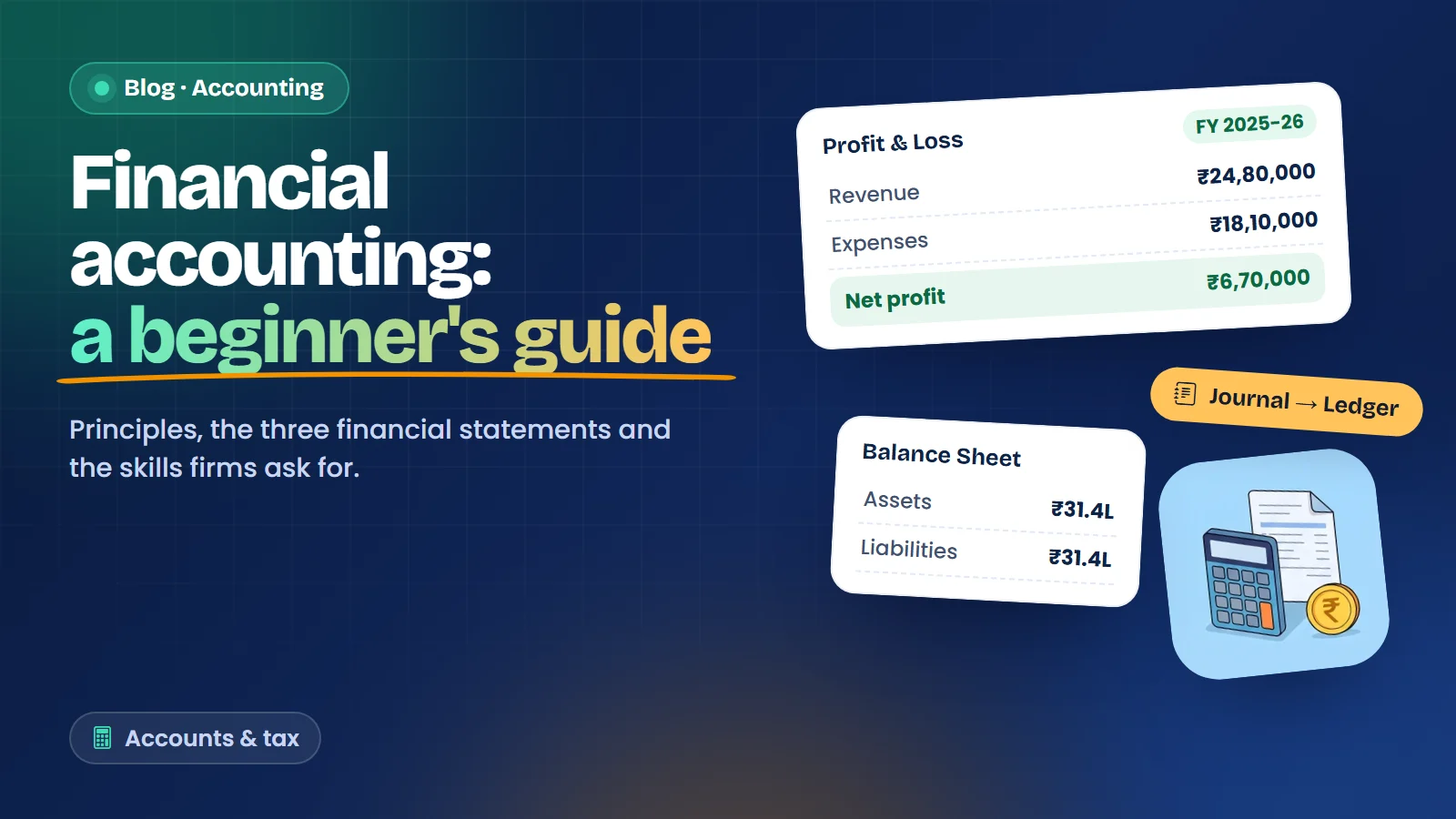
Financial Accounting: A Beginner-to-Job-Ready Guide

09 Sep 2026

Financial Accounting: A Beginner-to-Job-Ready Guide

Financial accounting is the backbone of every business decision. It is the discipline of r...

View Details
Web Design: The First Impression of Every Business

11 Dec 2025

Web Design: The First Impression of Every Business

Before a customer calls you or visits your shop, they often look you up online. In a few s...

View Details
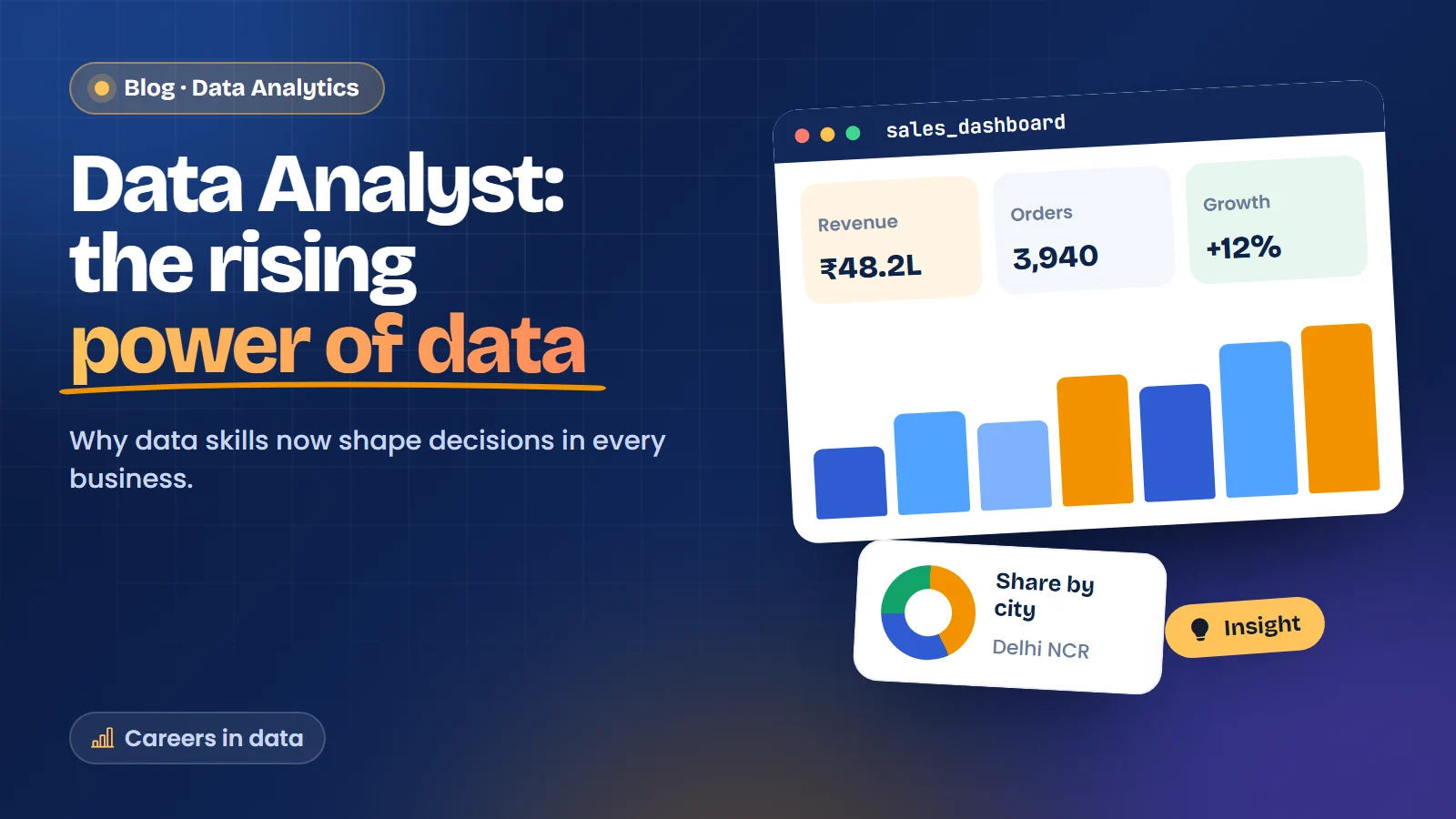
Data Analyst: The Rising Power of Data

10 Dec 2025

Data Analyst: The Rising Power of Data

Every sale, delivery, refund and click leaves a record. A shop owner in Laxmi Nagar has a...

View Details
Excited?

Talk to Expert Counselor

to understand your profile and plan the next career move!

Call us+91 98188 45002

or Request a Call back

This confirms you are a person. If you cannot answer it, please call us and we will take your details.
WhatsApp